
Your How-To Guide for the Sticky Greens Dripbar
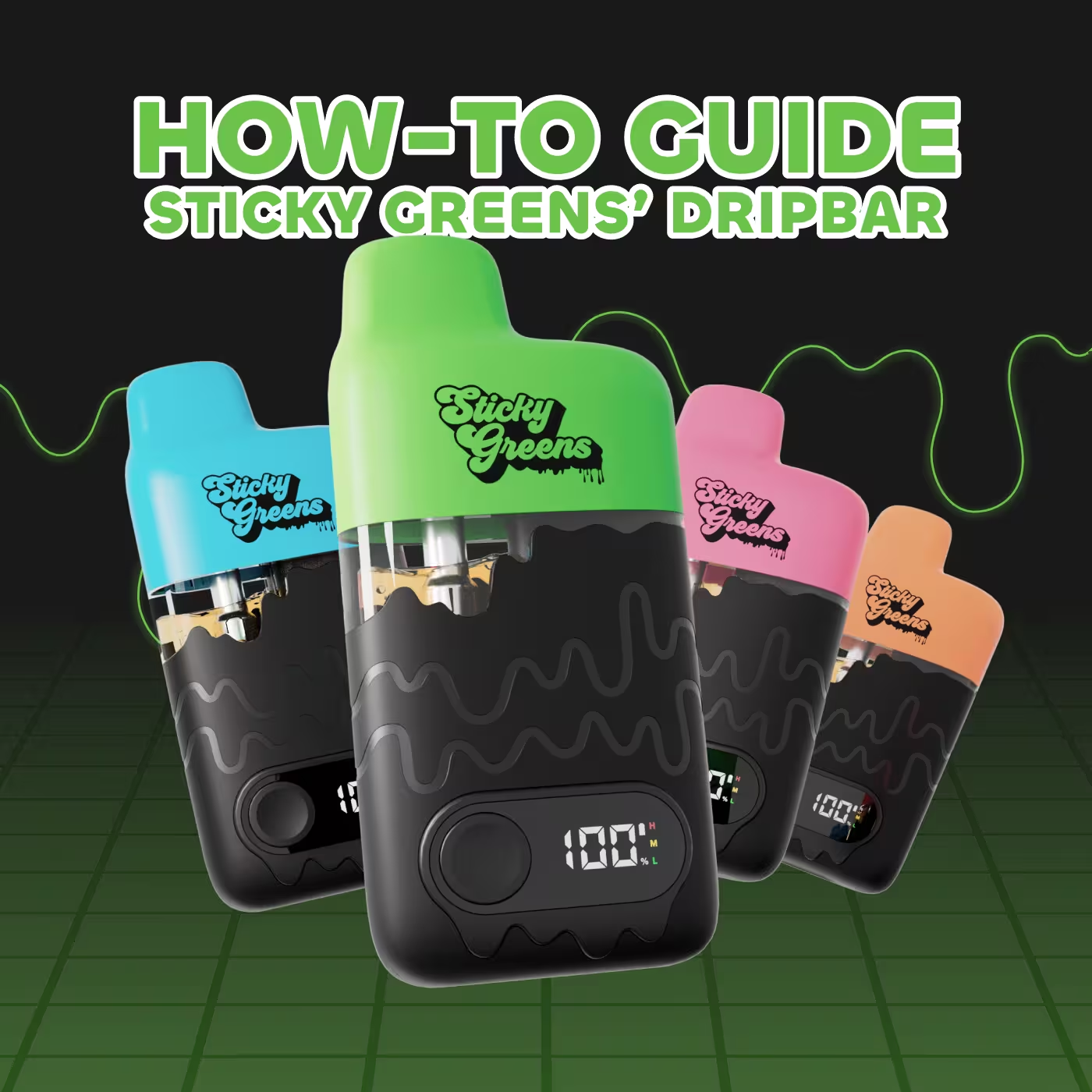
Sticky Greens launched our most innovative disposable all-in-one-vape, the Dripbar.
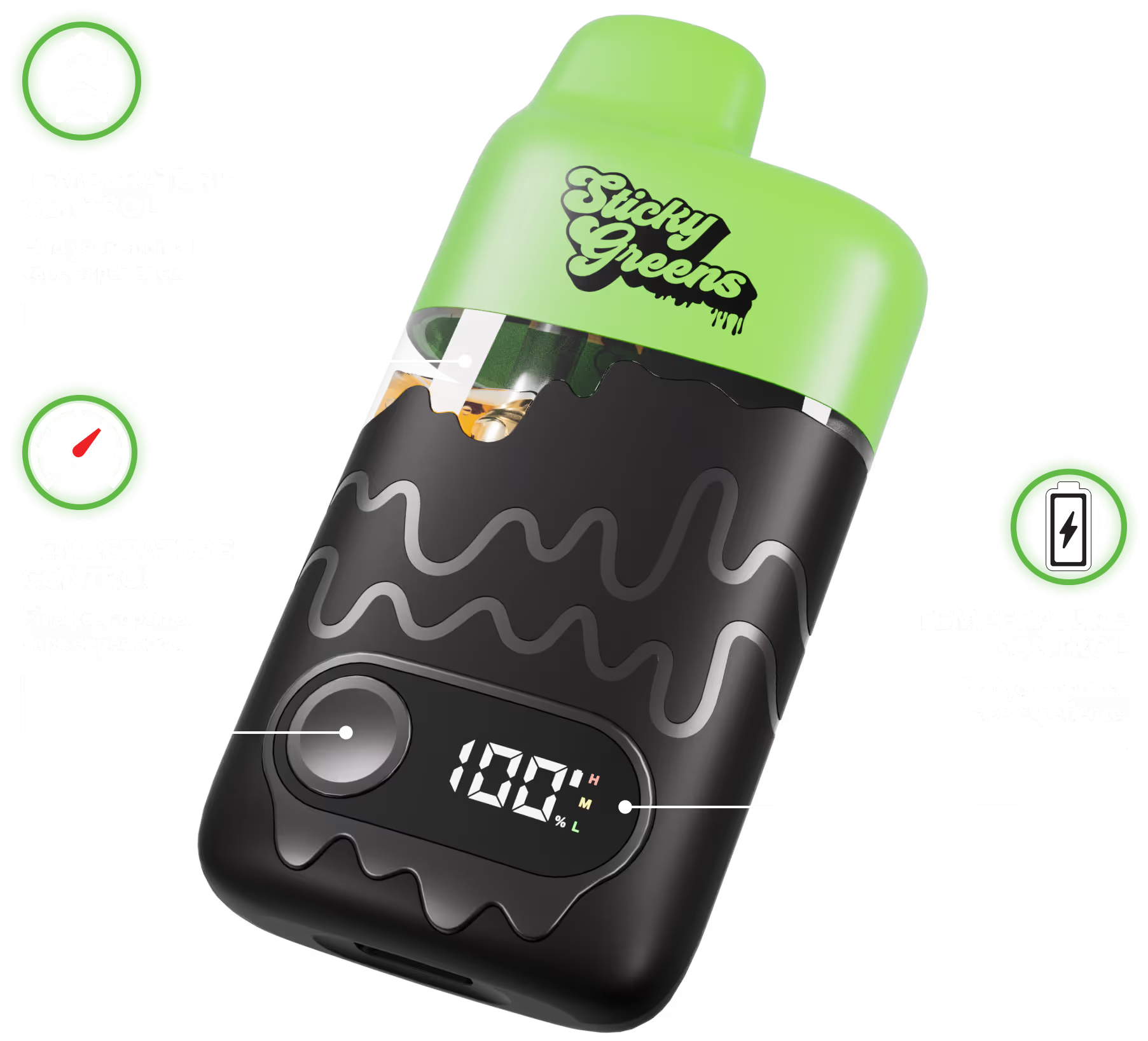
A user-friendly all-in-one vape packed with our potent liquid diamond formulation infused with our exclusive true-to-life flavours. The Dripbar features a large 2g reservoir window that not only supports the airflow of the vapour, but it also acts as a guide to know how much oil is left. A notable component of our Dripbar is the ability to customize your vaping experience through the features on our LED screen.
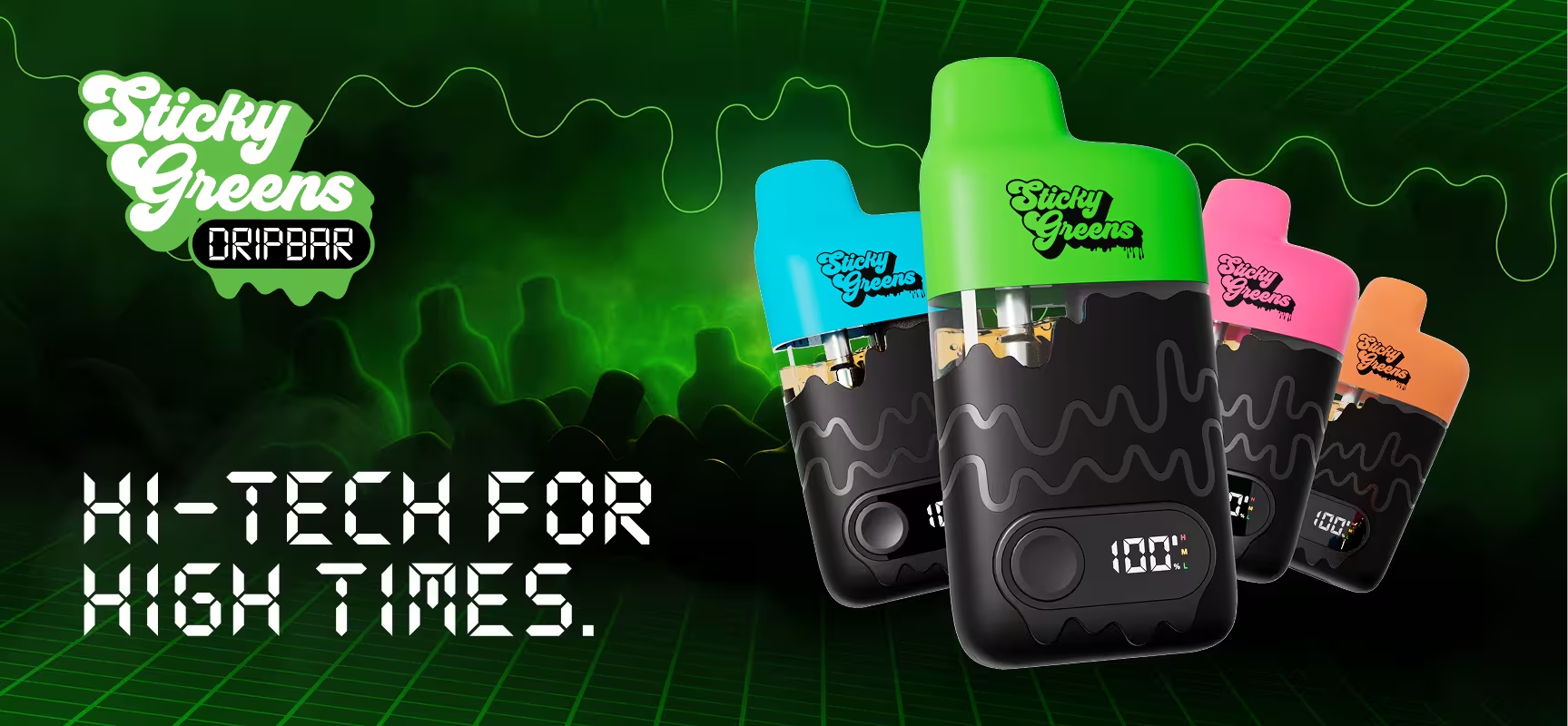
The LED screen features an abundance of information including the battery levels, so you know if you need to charge before you go. Additionally, our LED screen features our Boost Pre-Heat mode and customizable temperature controls.
How do you use the Dripbar?
- To turn the Dripbar on and off, click the button 5 times
- To activate Boost Pre-Heat mode before use to minimize clogging, click the button 2 times
- Click the button 2 times again if you experience any clogs during use
- To change the vaping temperature, click the button 3 times
- Low (3.0V) for maximum flavour
- Medium (3.3V) for a balance of flavour and clouds
- High (3.6V) for maximum clouds
- Once you have customized your Dripbar settings to your liking, simply inhale to activate
Dripbar FAQ
Click the button twice to activate Boost Mode pre-heating every time before use to clear clogs and prevent future clogging.
Dripbar’s 2g reservoir shows you the full 0.95g of cannabis oil, not just the bottom of the tank like most AIOs. The large reservoir maintains a small air gap that improves airflow in the vape to make your vape session smoother. If the vape has been packed upside down or the oil level looks low, stand it upright for up to 2 hours to let the oil settle.
You could be pulling too long at too high of a temperature. Try switching to a lower vaping temperature, click the button 2x to activate Boost Mode pre-heating and pull the vapour into your mouth before inhaling into your lungs.
This is a short-circuiting error sometimes due to exposure to water. Please email info@stickygreens.ca for resolution.
This is an open circuit error sometimes due to extreme impact. Please email info@stickygreens.ca for resolution.
Your Dripbar battery is low, please charge your Dripbar using a standard USB-C charging cable until the screen reads 100%.
This means over-inhalation has occurred, it happens after 8 seconds of continuous vaping. Heating will stop for 10 seconds before being able to vape again.